

iOS app · Website
Notchi
A little life on your Island.
A native iPhone app for choosing little companions, making the Dynamic Island your own and taking that personality onto the Lock Screen.Case study · Notchi
A little life on your Island.
A native iPhone app for choosing little companions, making the Dynamic Island your own and taking that personality onto the Lock Screen.
01Overview
Make a tiny space feel personal.
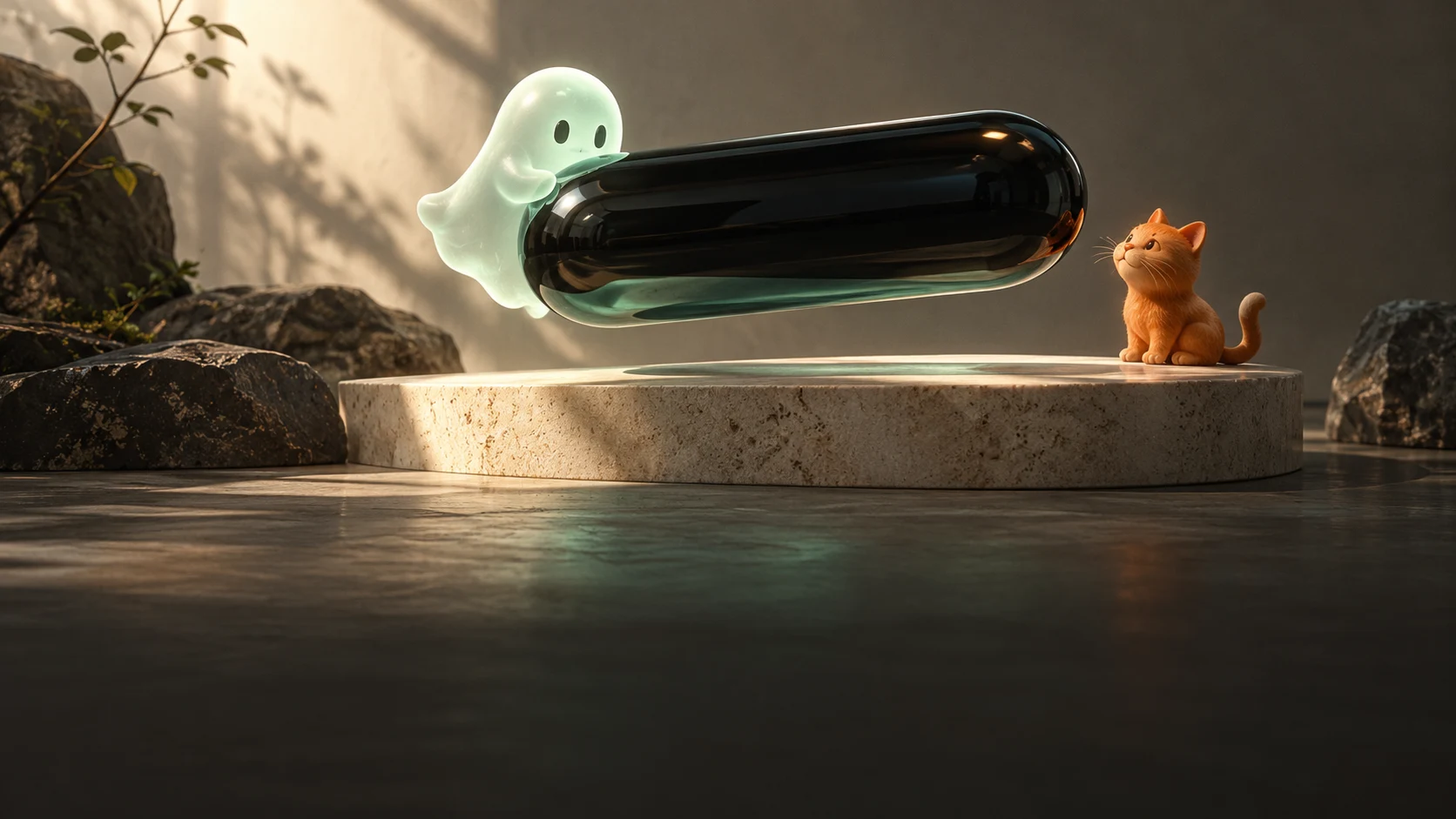
Notchi turns the Dynamic Island into a place for small companions: a cat, a turtle, a pair of eyes or a character that feels like yours. The app brings that personality into compact, expanded and Lock Screen previews.
I designed and built the native iPhone experience and its supporting website, connecting the companion catalogue, placement flow, Island studio and Live Activity state into one product.
- 2
- Island slots
- 3
- Preview modes
- 5
- Collections
- 10
- App languages
02The challenge
Simple to choose. Clear about where it goes.
The Island is small, and choosing a companion is only the first step. People also need to understand its size, which side it occupies and what happens when a pair uses both slots.
An in-app preview and a system Live Activity are different states. The interface needs to make experimenting feel immediate while keeping the real session toggle honest about what iOS is running.
- Show the companion at Island size before placement
- Keep left and right selections independent
- Let people preview before starting a Live Activity
From collection to Island
Browse, choose a side and preview the result. Three real native screens, one small flow.
From collection to Island
Start with a little personality
The actual collection home brings Pixel pals, Bloub studio, Eyes, Basics and Headshots into one browsable library, with Island and What’s New in the native bottom navigation.
Auto-play on · Drag to explore · Tap to expand
03The solution
Choose it. Place it. See it in context.
Collections lead into a focused placement drawer. A compact preview and explicit side actions make the result easy to understand; the Island studio then brings both selections together.
The shared configuration feeds the app and WidgetKit extension. Companion rooms extend the idea to larger Live Activity presentations, while paired eyes stay coordinated across both compact slots.
- Collection browsing, favourites and recently used companions
- Compact, expanded and Live Activity preview modes
- Saved setups and a session toggle tied to ActivityKit state
Small characters. Different expressions.
Paired eyes in the compact Island, a companion room in the larger preview.
Small characters. Different expressions.
Two eyes. One personality.
Classic eyes are selected as a pair. The placement flow explains that this choice replaces both Island companions rather than leaving half a pair in one slot.
Auto-play on · Drag to explore · Tap to expand
Inside the app
A short native simulator walkthrough. Open the preview to watch with playback controls.
04Key features
Playful on the surface. Considered underneath.
The surrounding flows help the small creative moment stay approachable, from the first companion to optional utilities and Pro access.
A personal library
Five collections, favourites and saved Island setups.
Permission when needed
Optional utilities ask for access when used, with setup states for missing data.
Native appearance
Light, dark and system appearance, with reduced-motion support.
A clear free path
Skip the upgrade and explore free companions; verified purchases unlock Pro.
The details around the delight
Optional utility setup and a clear upgrade path, with free companions available to explore.
The details around the delight
Useful, with permission
Weather setup offers optional location access or a city search. This capture shows an unconfigured source, with no city selected, rather than invented weather readings.
Auto-play on · Drag to explore · Tap to expand
05Delivery & outcomes
One small idea, across app and web.
The project brings together a native iPhone app, Live Activity extension, product website and release assets. The web experience introduces the companions through a phone presentation and a browsable cast.
The supplied repository includes simulator captures, a product film, localization and release preparation. The work shown here describes the built experience; it does not rely on invented download, retention or revenue figures.
Built with
What was built
- Native iPhone app and companion catalogue
- Island placement, saved setups and Live Activities
- Localized onboarding and verified Pro access
- Product website, walkthrough and promotional film
A home beyond the Island
The supporting website and product film introduce the same cast of companions.
Meet Notchi on the web
A real capture of the supporting website introduces the product through its phone presentation, companion artwork and a direct route into the iPhone experience.
Auto-play on · Drag to explore · Expand for the full story
Behind the build
The system owns the Island
ActivityKit sessions remain subject to iOS visibility and lifecycle rules. An app preview is not proof that a Live Activity is currently visible. Start and restart actions do not guarantee an always-on background session.
Animation within the release boundary
The release widget uses stills and short, bounded reactions on ActivityKit updates. The experimental continuous private-clock renderer is DEBUG-only and is not presented here as a production background-animation capability.
Access and permissions
StoreKit and RevenueCat handle verified entitlement state, purchase restoration and pending or failed transactions. Optional data sources ask for permission when selected; the free companion path does not require an account.
Captures and artwork
Media comes from the supplied project’s app captures, website captures and video exports. Simulator prices are test fixtures. Miso is original generated pixel art; the companion catalogue also includes supplied artwork and an MIT-licensed Bloub engine, rather than every asset being authored from scratch.
From collection to Island
Browse, choose a side and preview the result. Three real native screens, one small flow.
From collection to Island
Start with a little personality
The actual collection home brings Pixel pals, Bloub studio, Eyes, Basics and Headshots into one browsable library, with Island and What’s New in the native bottom navigation.
Auto-play on · Drag to explore · Tap to expand
Small characters. Different expressions.
Paired eyes in the compact Island, a companion room in the larger preview.
Small characters. Different expressions.
Two eyes. One personality.
Classic eyes are selected as a pair. The placement flow explains that this choice replaces both Island companions rather than leaving half a pair in one slot.
Auto-play on · Drag to explore · Tap to expand
Inside the app
A short native simulator walkthrough. Open the preview to watch with playback controls.
The details around the delight
Optional utility setup and a clear upgrade path, with free companions available to explore.
The details around the delight
Useful, with permission
Weather setup offers optional location access or a city search. This capture shows an unconfigured source, with no city selected, rather than invented weather readings.
Auto-play on · Drag to explore · Tap to expand
A home beyond the Island
The supporting website and product film introduce the same cast of companions.
Meet Notchi on the web
A real capture of the supporting website introduces the product through its phone presentation, companion artwork and a direct route into the iPhone experience.
Auto-play on · Drag to explore · Expand for the full story
Built with
What was built
- Native iPhone app and companion catalogue
- Island placement, saved setups and Live Activities
- Localized onboarding and verified Pro access
- Product website, walkthrough and promotional film